

Showing posts with label Mystical Illusionz. Show all posts
Showing posts with label Mystical Illusionz. Show all posts
Thursday, September 27, 2012

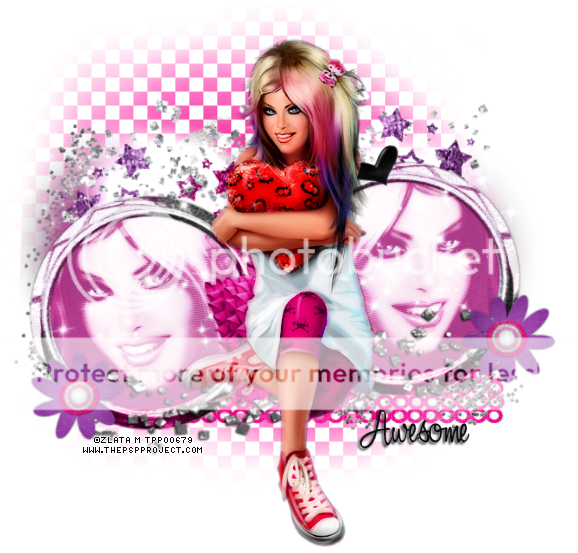
This tag was made with the awesome work of Zlata_M.
You can find this tube in the PSP Project.
I used collaboration PTU kit "KIM" by Mystical Illusions and Alika's Scraps.
I used Alika's this time around.
You can find this kit in O'Scrap Candy Shack.
Made some snags for you all.
Click on image to save full-size.
Thanks!


Sunday, September 9, 2012
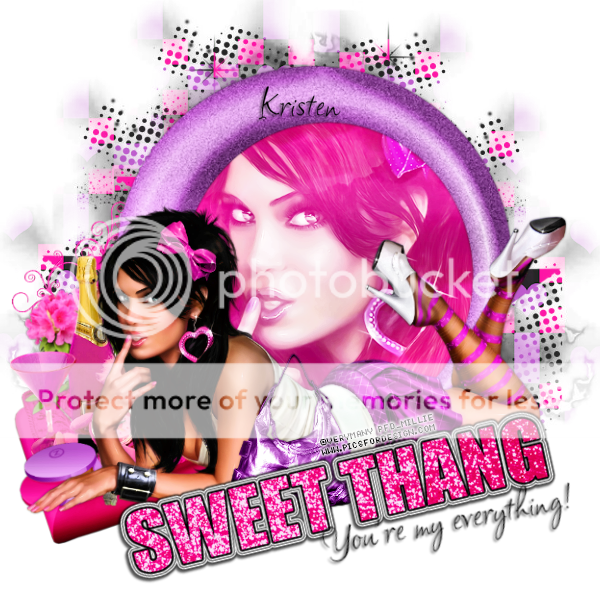
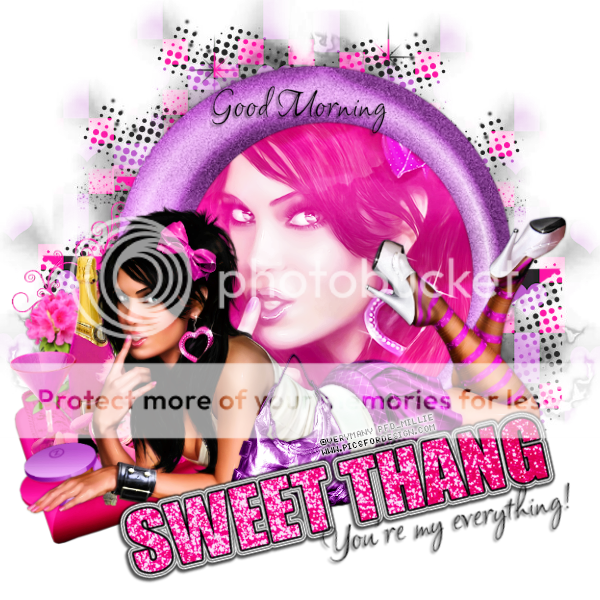
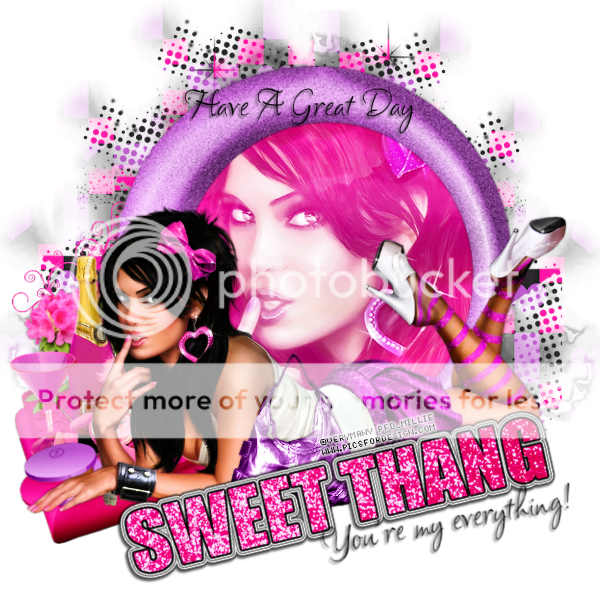
This tag was made with the work of Verymany.
You can find this tube in picsfordesign.
I used PTU scrapkit Kim (collab) by Mystical Illusions and Alikas Scraps.
I used the part made my MIZ.
You can find this kit in O'Scrap Candy Shack.
Made some snags for you all.
Please click on image to save it as full-sized.


Sunday, September 2, 2012


Saturday, August 25, 2012

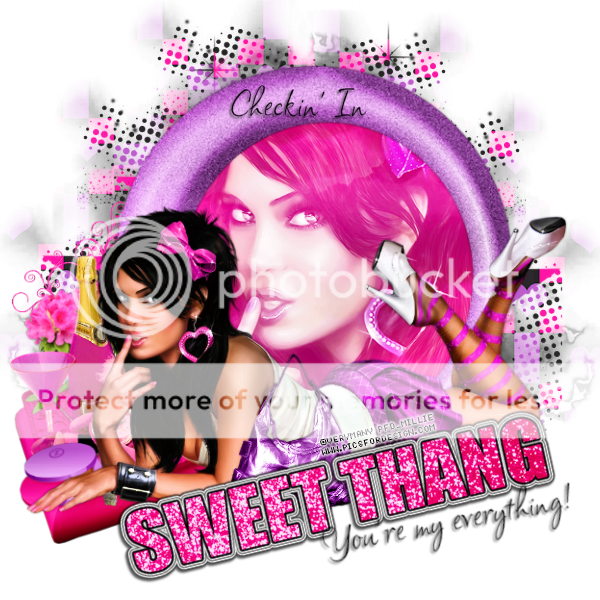
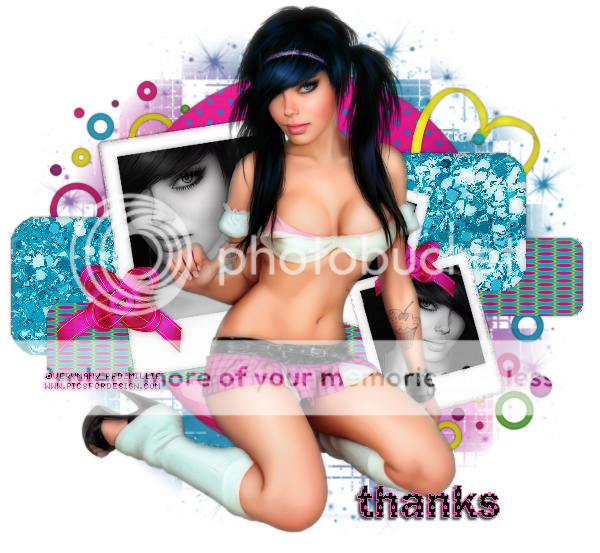
This tag was made with the artwork of Verymany.
You can buy this tube at PicsForDesign.
I used PTU scrapkit "Let's Party" by Mystical Illusionz.
You can purchase this kit at O'Scrap Shack.
Here are some extras/snags made with this tag.
Please click on the images to save full-sized.




Saturday, July 7, 2012

Scrapkit: Monkey Business by Mystical Illusionz
You can find this kit in Scraps From The Heart
She is designer of the month so you can get this kit for 75c all through July.
Tube: Ismael Rac - Birthday Girl
You can find this tube in the Xeracx Store
Mask: any of your choice
Font: I used Independant (small caps) and Ballroom Waltz
Open your tube and mask and minimize it
File - New - 600x600
Flood Fill White
Rename layer to background
Open ele04 (frame)
Resize 65%
C/P as a new layer
Rename layer as frame
With magic wand click inside the frame
Selections - Expand - 10
Click on background layer
Open pp04
copy and paste as a new layer
Selections - Invert - Delete
Selections - None
Click on frame layer
Drop Shadow 0 0 50 3
Open ele02 (balloons)
C/P as a new layer
Move it to the right a little bit
*how ever you like it best*
Drop shadow same as above
Rename layer to balloons
Open ele08
Resize 50% Adjust Sharpen
C/P as a new layer
Move to the right and place to your liking
Open ele12
Resize 80% Adjust Sharpen
C/P as a new layer
Move to the left
Place someone on top of monkey on frame
or to your liking
Open ele09 (cake)
Resize 50% Adjust Sharpen
C/P as a new layer
Move to the left some
Open ele06 (flower)
Resize 50% Adjust Sharpen
Resize 80% Adjust Sharpen
C/P as a new layer
Image - Mirror
Move to the right and place to your liking
drop shadow same as above
Rename layer to flower
Duplicate layer
Image - Mirror
Merge Down
Click background layer
Open ele11
Resize 50%
C/P as a new layer
Move all the way to the left
Duplicate layer
Image - Mirror
Merge Down
Rename layer glitter
Click on background layer
Open pp07
C/P as a new layer
Layers - New Mask Layer - From Image
In source window find the name of your mask
*it should be in drop down menu since your mask is open and minimized*
Create mask from Source luminance
Invert mask data unchecked
Hit ok
*still on mask layer*
Merge - Group
Click on flower layer
Open tube and resize to your liking
C/P as a new layer
Place in middle of the tag
Use your text tool.
Independant font 72pt
I used blue background and yellow foreground from the kit
stroke: 1.00
Write "BIRTHDAY" in all caps
Convert to raster layer
Effects - Penta - color dot default settings
drop shadow 2 -2 60 3
Change your font to Ballroom Waltz
72pt close off foreground
make the background yellow
Write "Happy" and move it so it can be above "Birthday"
convert to raster layer
Effects - Gradient Glow
*basic tab* 3, 25, 100 draw only outside selection checked
*color tab* glow setting medium color blue from foreground
opacity 100 - hit ok
drop shadow 2, -2, 60, 3
Write your name with colors and dropshadow that you want.
Add copyright information
delete the background layer
merge visible
save as png
Thursday, July 5, 2012

This tag was made with the awesome art of Ismael Rac.
The tube is called "Happy St Patrick's Day" and you can get it HERE.
I used PTU scrapkit "Emotionally Yours" by Mystical Illusions!
You can find it in Scraps From The Heart.
MIZ is designer of the month over there so all her kits are on sale.
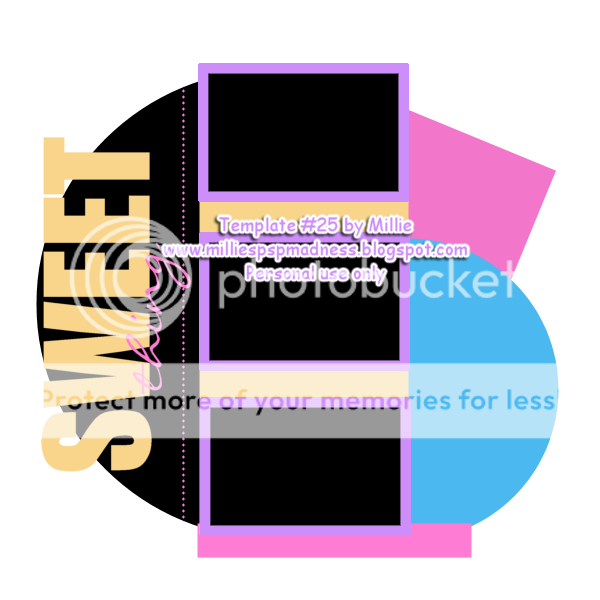
I used template 25 created by me.
You can find it HERE.
Friday, June 29, 2012
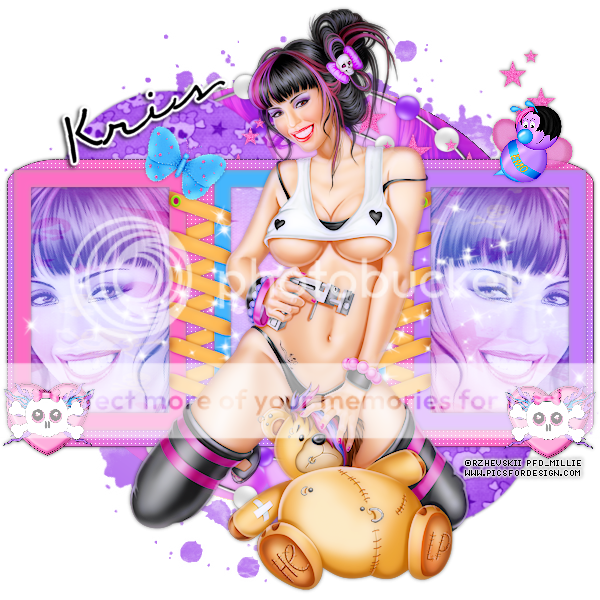
This tag was made with the artwork of Rhevskii.
You can find his tubes in PicsforDesign.
I used PTU scrapkit "Emotionally Yours" by Mystical Illusionz.
You can find her kit in SATC.
Used my new template 22 and you can get it HERE.

Wednesday, June 20, 2012

This tag was made with the work of Ismael Rac.
You can purchase this tube in his store: XERACX Store
I used the PTU kit "Anonymous" from Mystical Illusionz.
You can purchase this awesome kit in SATC
I made some snags to go with it.
You can pick them up below.
Please dont change these in any way.
*Click on the image to save full-size.*


Monday, June 18, 2012

This tag was made with "Anonymous" kit from Mystical Illusionz.
You can purchase in SATC
I used "VeryMany prepaid tube #5" which you can also get from SATC.
Click on the image to get full-sized tag.


Tuesday, June 12, 2012
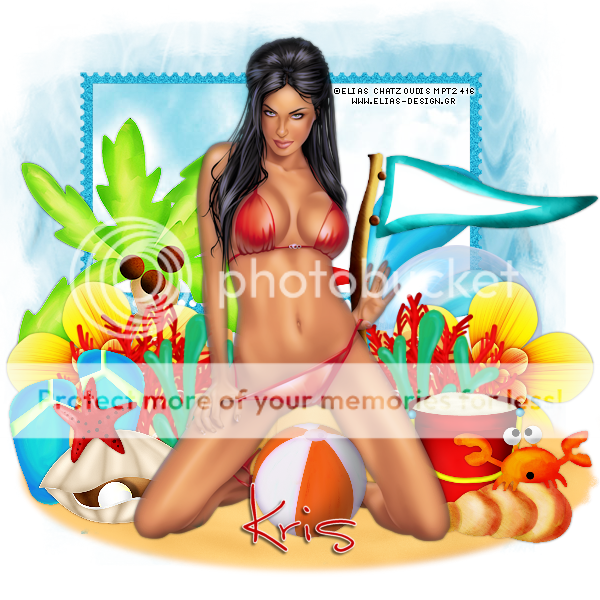
This tag was made with the "Under The Sea" Scrapkit by Mystical Illusionz.
You can get it in ScrapsFromTheHeart or SATC.
Thanks Kris for letting me use your kits :)
The tube is the work of Elias Chatzoudis.
You can purchase it in PTE.
Monday, June 11, 2012

Saturday, June 9, 2012

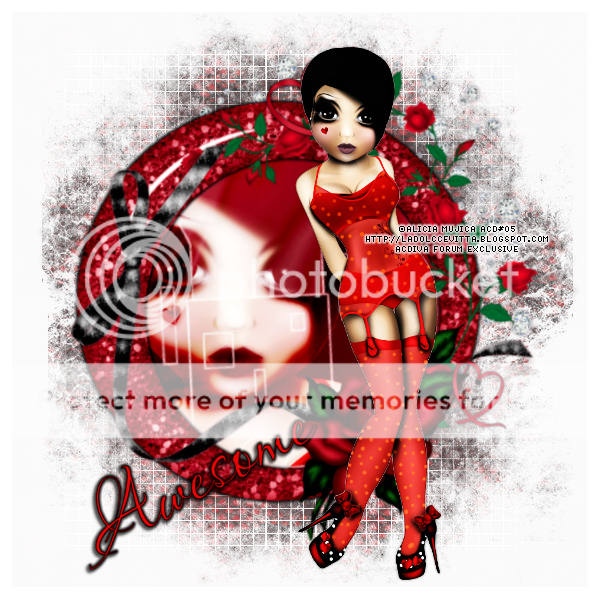
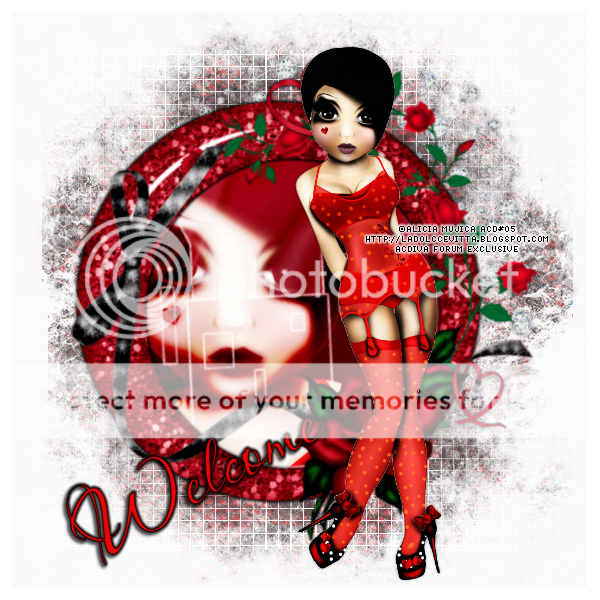
This tag was made using the work of Alicia Mujica. The tube is exclusive to ACDivas forum. You can earn it there. The kit used is "Red High Heels" by Mystical Illusionz and you can buy her kits in SATC
You can grab the snags below.


Thursday, June 7, 2012
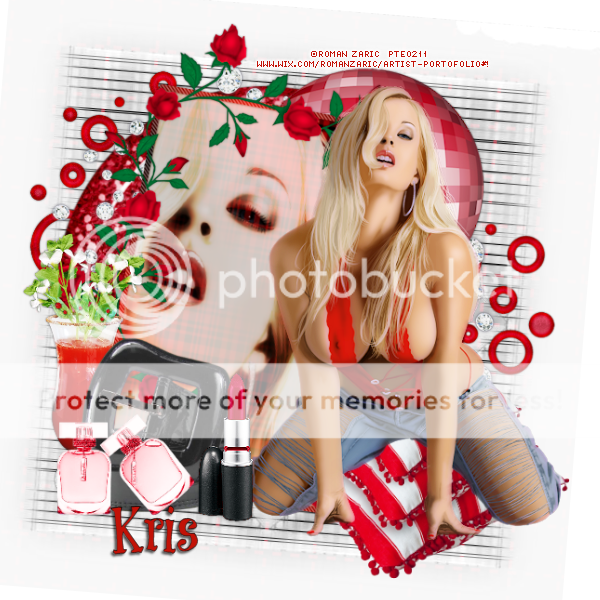
This tag was made with the work of Verymany which you could find in Pics For Design. I used scrapkit "Baby Got Bug" by Mystical Illusionz and you can get it in SATC.
The snags are below. Hope you like them :)


Subscribe to:
Posts
(Atom)