

Wednesday, April 10, 2013
Welcome to the Creative Crazy Scraps Blogtrain!
This month we are doing 'A Silent Spring'
I made some templates!
I hope you like them and can use them ;)
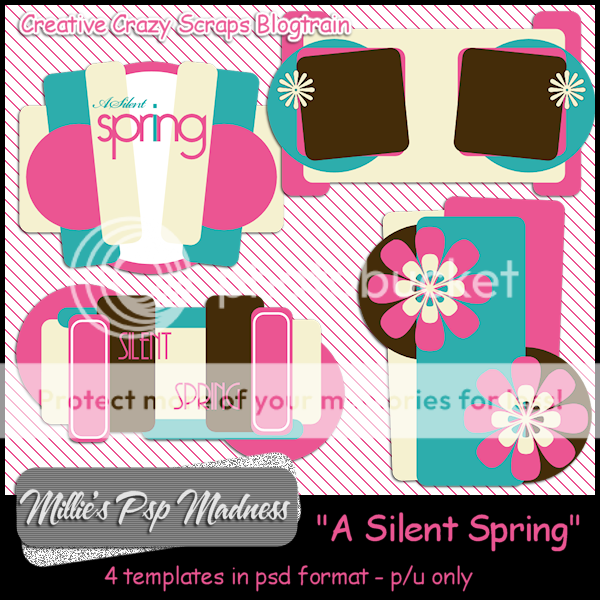
You can download them HERE
There is a collection of fantastic freebies this time around!
Make sure you stop by each one to collect and dont forget to leave some love.
A thanks goes a long way!
Stu with:CreativeCrazyScraps
Becca with: Designz By Baby Dragon
Alyson with: Tyger's Tidbits
Jim with: Horse-ing Around
Heather with: Heather Devine Dezigns
Nikki with: Killer Kitty Scraps
Always with: Always Creations
Felice with: Felice Original
Twyzted with: Twyzted Playground
Kaci with: Scrappin Krazy Designs
Anna with: Annaz Attic
Millie with: Millies Psp Madness
Rissa with: Rissa Designs
Danielle with:Scraps By Danielle
Kate with:Irish Princess Designs
Shell with: Shells Scraps
Monday, April 8, 2013
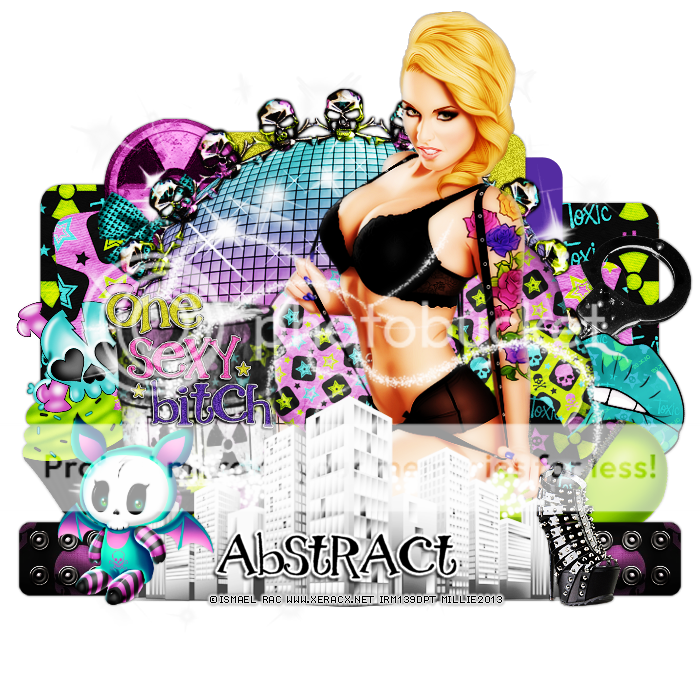
This tag was made with the upcoming awesome Tats tube from Ismael Rac.
She will be available in the Xeracx Store sooner than you know it!
Keep your eyes on the store.
I also used awesome PTU Toxic Waste by Abstract Creations!
You can find this kit in CDO
I made template 240.

You can download it HERE
Thanks for stopping by :)
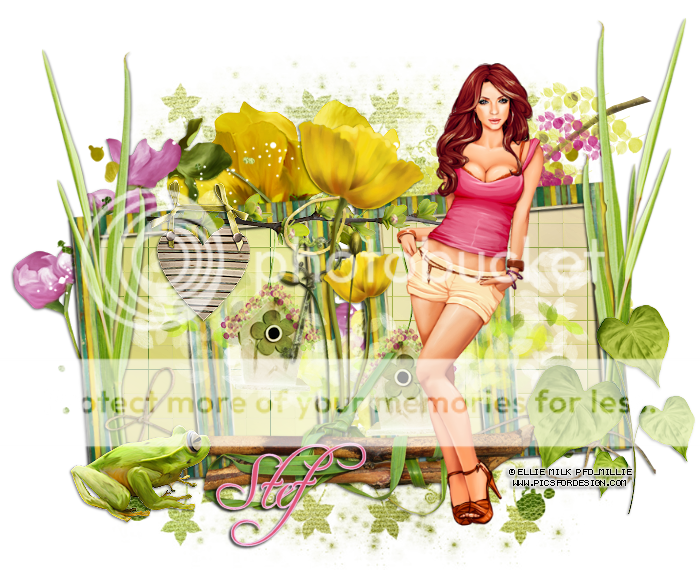
*click on image to view full size*
PTU Spring Beauty
This tutorial was written by me on April 8, 2013.
It was made out of my own creation and any similarity is purely coincidental.
I used pspx2 but any version should work without problems.
Let's get started!
Artist: Ellie Milk
Scrapkit: Spring Beauty by Stef's Scrapkits
Mask: Melissaz Creationz - Mask 19
Plugins: xero - porcelain
Font: freebooter script
*open your mask and minimize it in your workspace*
File - New - 700x700 - fill with white - rename background
Open ele44 - c/p as new layer - place to left and down some
Duplicate - place to the right and up some - merge down
Click inside all frames w magic wand - expand by 7
Open paper3 - c/p as new layer - invert - delete - deselect
Move paper under the frame layer
Add drop shadow to your frame
Open ele41 - c/p as new layer
Open ele01 - resize by 60% - sharpen - c/p as new layer
Open ele10 - resize by 50% 2x - sharpen - c/p as new layer
Place to the left of the frame
Open ele47 - c/p as new layer - place to left line up w frame
duplicate - mirror - line up w right side of frame
Open ele36 - c/p as new layer
Open ele23 - resize by 60% - sharpen - c/p as new layer - place to bottom right
Open ele27 - c/p as new layer - place to the bottom some
Open ele17 - resize by 50% - sharpen - c/p as new layer - place to bottom left
On background layer
Open ele21 - resize by 80% - c/p as new layer - place to the left
Open ele49 - c/p as new layer - place to left - duplicate - mirror
Open ele02 - c/p as new layer - place to the top right
Open ele13 - resize by 60% - sharpen - c/p as new layer - place to top left
Close background - merge visible - open background
Open tube - resize to fit your tag - c/p as new layer - place to the right
Xero - porcelain - blue channel at 0 - hit ok
Click in background layer w magic wand - new layer
Open paper12 - c/p into selection - deselect
Apply your mask - hit ok - merge group
Resize mask by 75%
Delete background layer - crop your tag to your liking - merge visible
add credits and your name
Subscribe to:
Posts
(Atom)