

Showing posts with label Evol Angel Scrapz. Show all posts
Showing posts with label Evol Angel Scrapz. Show all posts
Tuesday, July 23, 2013
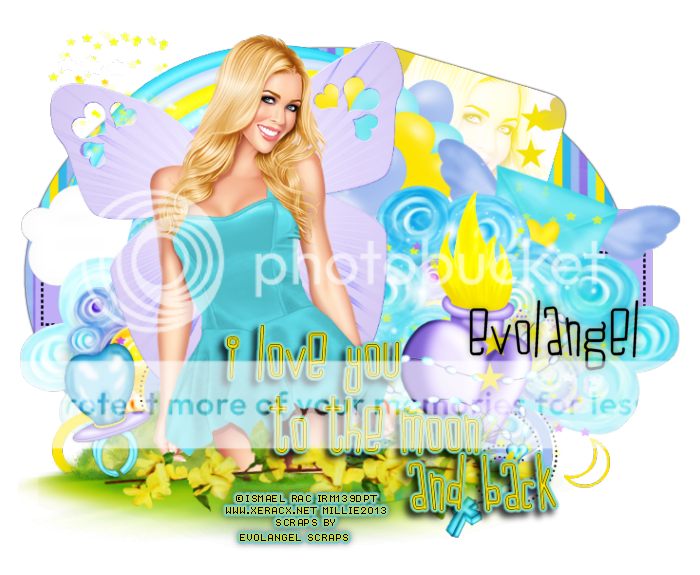
This tag was made w awesome work of Ismael Rac
You can find this tube in his store HERE
I used PTU To The Moon kit by Evol Angel Scrapz
You can find this kit in Scrap Candy
I made a template for this tag.
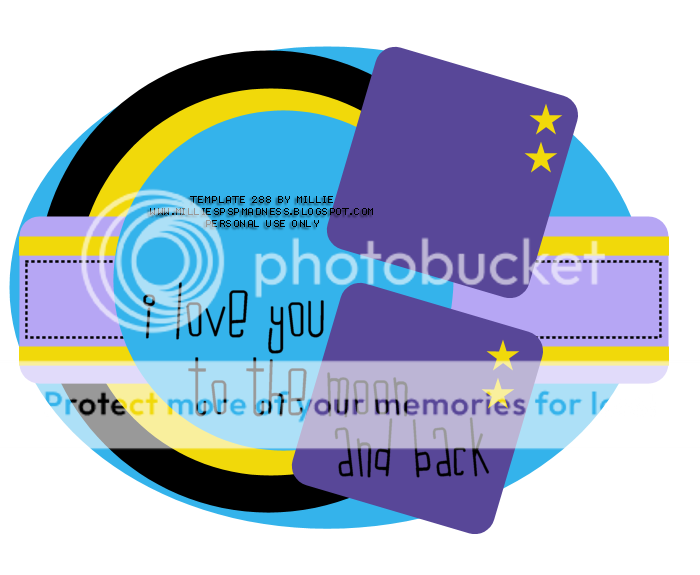
You can download it HERE

Monday, April 8, 2013

This tag was made with the fabulous work of Ismael Rac.
This tube is called Bubbles and she will be available in his store soon!
I used PTU Punk Candi by Evol Angel Scrapz and you can find it in Scrap Candy
Here's template 239

You can download it HERE
Thanks for stopping by :)
Monday, April 1, 2013
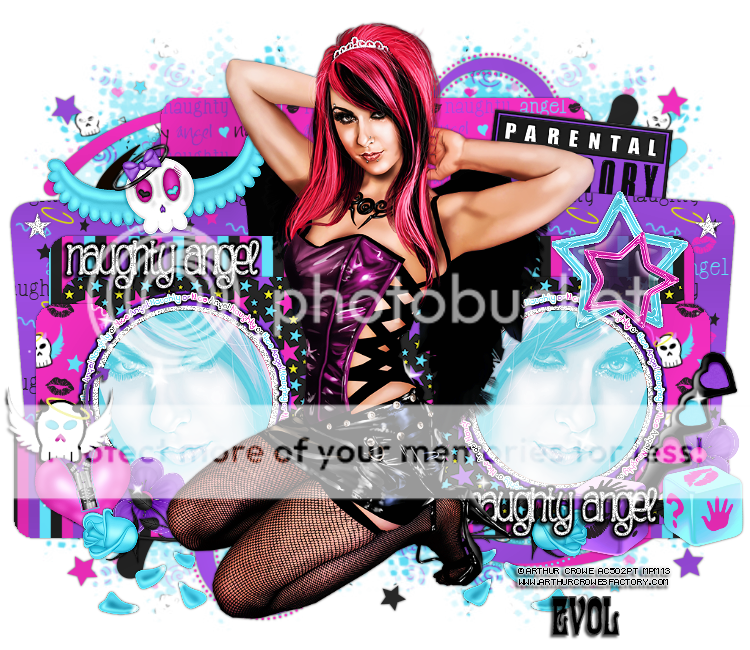
This tag was made with the awesome work of Arthur Crowe.
You can find this tube "Dark Princess" in his store HERE
I used PTU Naughty Angel kit by Evol Angel Scrapz
You can find this kit in Scrap Candy
Template 233 by me

You can download it HERE
Thanks for stopping by :)
Sunday, March 3, 2013

This tag was made with the fabulous artwork by Arthur Crowe.
You can find it HERE
I used PTU Punk Candi scrapkit by Evol Angel Scrapz
You can find it in Scrap Candy.
Here is template 210 by me.

You can download it HERE
Thanks for stopping by :)
Monday, February 25, 2013
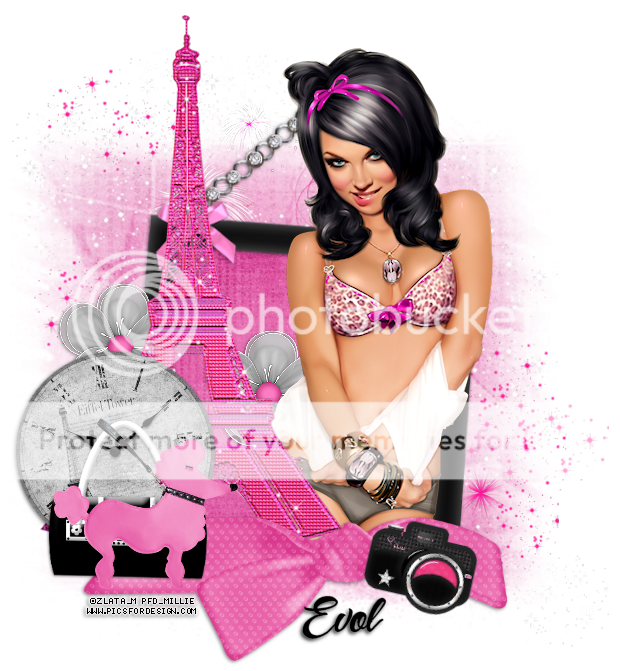
This tag was made with awesome work by Zlata M.
You can find it in Pics for Design.
I used PTU Sweet On Paris by Evol Angel Scrapz.
You can find this kit in Scrap Candy.
Made some snags.
*click on image to save full-size*


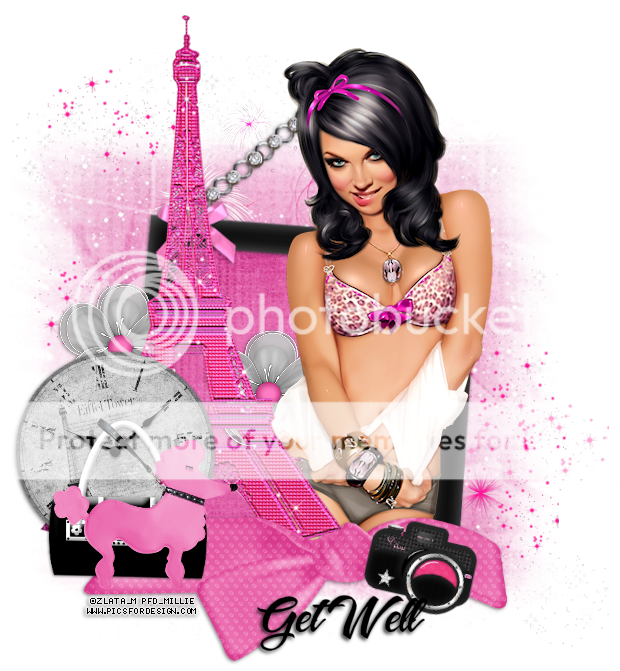
Thanks for stopping by :)
Friday, February 8, 2013

*click on image to view full size*
PTU Crazy 4 Your Kiss
This tutorial was written by me on February 8, 2013.
It was made out of my own creation and any similarity is purely coincidental.
I used pspx2 but any version should work without problems.
Let's get started!
Artist: Arthur Crowe
Scrapkit: Gothic Kisses by Evol Angel Scrapz
You can find this kit in Scrap Candy
Template: 195 by me - you can find it HERE
Plugins: Xero - radiance
Font: I Love What You Do
Open template - Duplicate - close original
Make your background visible and delete your cr layer
On layer 1 - click it inside it with magic wand
Open paper5 - c/p as new layer - invert - delete - deselect
Add drop shadow - delete layer 1
On layer 2 - click it inside it with magic wand
Open paper4 - c/p into selection - deselect
Add drop shadow - delete layer 2
On layer 3 - click it inside it with magic wand
Open paper8 - c/p as new layer - invert - delete - deselect
Add drop shadow - Delete layer 3
Open your tube close up - c/p as new layer
Place it so that face is inside frame - xero Radiance - default settings
On layer 4 - click inside frame - expand by 2
Go back to layer where you pasted paper 8 and hit delete
On tube close up layer - invert - delete - deselect
Add drop shadow to the frame
Move your layers around to your liking
Open skull polish - resize by 50% - c/p as new layer - place to right
Rotate to the right some - add drop shadow
Open lipstick smudge - resize by 50% - c/p as new layer - place to right
Open netting - resize to 75% - c/p as new layer - place down some
Open flower 2 - resize by 50% - sharpen - c/p as new layer - place to left
Open cranial heart - rsize by 50% - c/p as new layer - place to left
Open sour cherry - resize to 75% - c/p as new layer - place to bottom left
Open banner of hearts - resize by 80% - sharpen - c/p as new layer
Place to the top of tag - with your eraser take off the two strings on the ends
Add drop shadow
Open heart and rose - resize by 50% - sharpen - c/p as new layer
Place to the bottom right of tag and rotate to the right some
Open half tube - resize to fit tag - c/p as new layer - mirror - move left some
On layer 5 - add drop shadow
Open heart and string - resize by 75% - c/p as new layer
Place so its aligned in bottom of layer 5
On background layer - open wirebacking - resize by 50% - sharpen - c/p as new layer
Place to the top left of the tag - duplicate - flip - mirror
Move up and to the left some - merge down
Open splat 1 - resize by 50% - sharpen - c/p s new layer
Place to the top left of the tag - duplicate - flip - mirror
Move up and to the left some - merge down
Delete background layer - merge visible - add your credits and name
Tuesday, January 29, 2013

*click on image to view full size*
PTU Bee My Valentine
This tutorial was written by me on January 29, 2012.
It was made out of my own creation and any similarity is purely coincidental.
I used pspx2 but any version should work without problems.
Let's get started!
Artist: Ismael Rac
Scrapkit: Bee Mine by Evol Angel Scrapz
You can find it in Scrap Candy.
Template: 185 by myself. You can find it HERE
Mask: any of choice
Plugins: porcelain
Font: Crushed Out Girl
F = float, DF= defloat, DS = drop shadow
*open your mask and minimize it in your workspace*
Open template 185, duplicate, close original.
Change canvas size to 700x700.
Make your background layer visible and delete cr layer.
On layer1, selections all, f, df, new layer, open paper 3, paste into selection.
Selections, modify, select selections borders, both sides, width 3, hit ok.
New layer, flood fill w pink from paper, add noise, uniform, 50, hit ok.
Deselect and add ds of your choice.
On layer2, selections all, f, df, new layer, open paper 11, paste into selection.
Deselect and add ds of your choice.
Open honeycomb, resize by 85%, sharpen, c/p as new layer, rotate to right some.
On layer3, selections all, f, df, new layer, open paper 8, paste into selection.
Deselect and add ds of your choice.
On layer4, selections all, f, df, new layer, open paper 10, paste into selection.
Deselect and add ds of your choice.
On layer5, selections all, f, df, new layer, open paper 5, paste as new layer.
Invert, delete.
Deselect and add ds of your choice.
Open tube close up, c/p as new layer, place face inside heart to the left
Xero - porcelain - same as before, change blend to screen.
Click inside layer 7(heart) with magic wand, on tube layer, invert, delete, invert.
Open paper 11, c/p as new layer, move under tube closeup, invert, delete, deselect.
On layer 6, add ds of choice.
Open bow1, resize by 75%, sharpen, c/p as new layer, place to left, add ds.
Open heart bling, resize by 80%, sharpen, c/p as new layer.
Open heartwings, resize by 50%, sharpen, c/p as new layer, place to right.
On layer 7, selections all, f, df, new layer, open paper 11, paste as new layer.
Apply inner bevel w following settings
Bevel:2, width 5, smoothness 2, depth 2, ambience 2, shininess 2
color white, angle 315, intensity 50, elevation 30, hit ok
Effects - eyecandy - gradient glow
width 3, color medium and use pink from the tag
Open box, resize by 50%, sharpen, c/p as new layer, add ds.
Open tube, c/p as new layer, mirror, place to right some
Xero - porcelain, change blue channel to 0, sharpen
Open double hanger, c/p as new layer, place to bottom and to right some.
Open honeyjar, resize by 50%, 2x, sharpen, c/p as new layer, place to right.
Open gift, resize by 50%, 2x, sharpen, c/p as new layer, place to right.
On layer 8, change blend mode to screen.
Drop Shadow of 2 -2 75 5 black, duplicate.
Go to background layer, open honeydrips, resize by 70%, sharpen, c/p as new layer.
Move and place down.
Delete background. Merge visible.
Open paper9, c/p as new layer.
Layers - new mask layer - from image - find mask in source window, hit ok.
Merge group. Merge visible. Add credits and your name.
Thanks for trying my tutorial.
Thursday, January 17, 2013
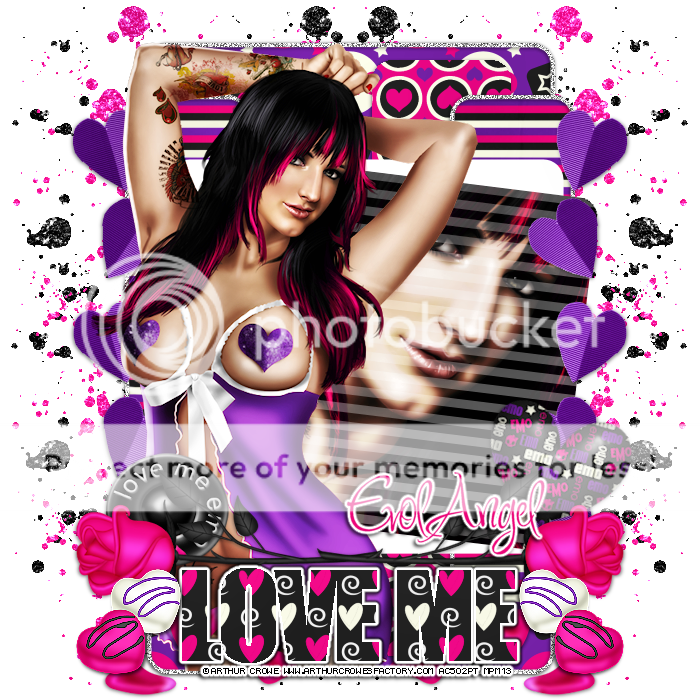
*click on image to view full size*
PTU Love Me
This tutorial was written by me on January 17, 2013.
It was made out of my own creation and any similarity is purely coincidental.
I used pspx2 but any version should work without problems.
Let's get started!
Artist: Arthur Crowe
Scrapkit: Love Me Emo by Evol Angel Scrapz
You can find this kit in Scrap Candy
Template: #176 template from me HERE
Plugins: vm extravaganza, eyecandy, xero radiance
Font: Inspiration
Open template 176, duplicate, close original
Make background visible and delete cr layer
On background, open glitter splat, c/p as new layer
Place to the left, duplicate, mirror
Click inside layer 1 w your magic wand
Open paper7, c/p as new layer, invert, delete, invert
Add new layer, selections, select selection layers
both sides, anti-atlas, 2, flood fill with light gray
Adjust - add noise - deselect
Merge layer 3 down to 2, click inside both rectangles
Open paper1, c/p as new layer, invert, delete
Merge 5 down to 4, click inside w magic wand,
open paper 8, rotate to the left 90 degrees
c/p as new layer, invert, delete, invert
Add new layer, selections, select selection layers
both sides, anti-atlas, 2, flood fill with light gray
Adjust - add noise - deselect
Open folded-hearts, c/p as a new layer, move to left
Duplicate and mirror
Delete layers 8 9 10 and 11
Click inside layer 7 Open your tube close up, c/p as new layer
w magic wand, on tube invert, delete
Xero - radiance, change blend mode to screen
On layer 7, VM Extravaganza - transmission
line width 6, offset 0, contrast 40
Merge tube down to layer 7, rotate layer 7 w deform tool to the right some
Open full tube, resize to your liking to fit your tag, place to left
Duplicate tube, xero - radiance, change blend to soft light, opacity to 60
Open rivet, resize by 50%, sharpen, c/p as new layer, place to left
Open melting heart, resize by 50%, sharpen, c/p as new layer, place to right
Open Rose, resize by 80%, sharpen, c/p as new layer
Place to the left some, duplicate and mirror
On layer 12, click all letters w magic wand, open paper2, c/p as new layer
Invert, delete, effects - eyecandy - glow width 3, color is fat
effects - eyecandy change color to medium and black, dropshadow 2 -2 75 5
Open bonbon, resize by 50%, sharpen, c/p as new layer, place to left
duplicate and mirror
Add or Take out elements to your discretion and liking
Delete background layer, merge visible, add credits and your name!
Thank you for trying my tutorial :)
Monday, January 7, 2013

*click on image to view full size*
PTU Emo Magic
This tutorial was written by me on January 7, 2013.
It was made out of my own creation and any similarity is purely coincidental.
I used pspx2 but any version should work without problems.
Let's get started!
Artist: Ismael Rac
Scrapkit: Emo Fairy by Evol Angel Scrapz HERE
Mask: Mask of your choice
Plugins: xero - radiance
Font: I used Ozzy II
*open mask and minimize it to your workspace*
File - new - 700x700 - flood fill w white
Click on white w magic wand, new layer
Open paper10, c/p into selection, deselect
Layers, new mask layer, from image
Find your mask in source window, hit ok, merge group
Open frame 2, c/p as new layer
Open tube close up, c/p as new layer, place to left
Put under left side of frame, duplicate, mirror, merge down
Open paper1, c/p as new layer, move under tube layer
Click inside frame w magic wand, expand by 3, on tube layer, invert, delete, invert
On paper layer, invert, delete, deselect
Back to frame layer
Open cloud, c/p as new layer, place to left, duplicate, mirror
Open wire, c/p as new layer
With eraser take off some of thewire that's covering tube's faces below
Open clock, resize by 75%, sharpen, c/p as new layer
xero - radiance, change opacity to 68
Open ribbon, c/p as new layer, place to left, rotate to right some
Open mushroom home, resize by 50%, then 65%, sharpen, place to the bottom left
Open mushroom2, resize by 50% 2x, sharpen, c/p as new layer, place to bottom left
Open full-tube, c/p as new layer, place to the right
Open sparkles, c/p as new layer, place to your liking
Delete background layer, merge visible, crop if you like
Add your credits and your name!
Thanks for trying this tutorial :)
Monday, December 17, 2012

*click on image to view full size*
PTU Christmas Wishes
This tutorial was written by me on December 17, 2012
It was made out of my own creation and any similarity is purely coincidental.
I used pspx2 but any version should work without problems.
Let's get started!
Artist: Roman Zaric
Scrapkit: Christmas Wishes by Evol Angel Scrapz
You can find it in Scrap Candy
Mask: WSL 84 HERE
Plugins: xero - porcelain
Font: any of choice
*drop shadow is 1 1 50 3 all throughout unless otherwise stated*
File - new - 700x700 - flood fill w white
Open frame2 - c/p as new layer
Open tube close up - resize to your liking - c/p as new layer
Move to the right and under frame - make sure face is inside frame
Duplicate - mirror - merge down
Click inside left side and right side of frame with your magic wand
Expand by 5 - on tube layer - invert - delete - deselect
Go to background layer - open your med size tube - c/p as new layer
Place tube so face is in middle frame - Click inside frame w your magic wand
Expand by 5 - on tube layer - invert - delete - deselect - merge tube layers together
Click inside frame (all squares) with magic wand - expand by 5
On background layer - new layer - flood fill w red from your frame or the blue up to you
On tube layer - xero - porcelain - change blue channel to 0 - change blend to screen - deselect
Close background layer - merge visible - make background layer visible again
Move frame down - open sparkles - c/p as new layer - place on top of frame
Open full-tube - resize to fit your tag - c/p as new layer - place in bottom of tag
Open snowman - resize by 50% - c/p as new layer - place under frame layer and move up
(look at mine for placement or place where you like)
Open present1, resize by 50% - sharpen - c/p as new layer - place to your liking
Open santasack - resize by 50% - sharpen - c/p as new layer - place to right
Open wordart2, c/p as new layer - move so its layer above background layer
Open reindeer - resize by 50% - sharpen - c/p as new layer - place on top of present
Open christmas lights, c/p as new layer, place on top of frame
Make background and full tube layer invisible - merge visible - make background and tube visible
With your text tool and impact font all caps on write CHRISTMAS fg - null, bg red, 125points - convert to raster layer
On Christmas layer - selections all - float - defloat - open paper12 - c/p as new layer
invert - delete - deselect
Add drop shadow of 2 -2 75 5
close background layer - merge visible
Open background - new layer - flood fill w red - apply your mask - merge group
Move mask so its above background layer
Delete background layer - merge visible - add credits - add your name
Thanks for trying my tutorial :)
Friday, November 30, 2012
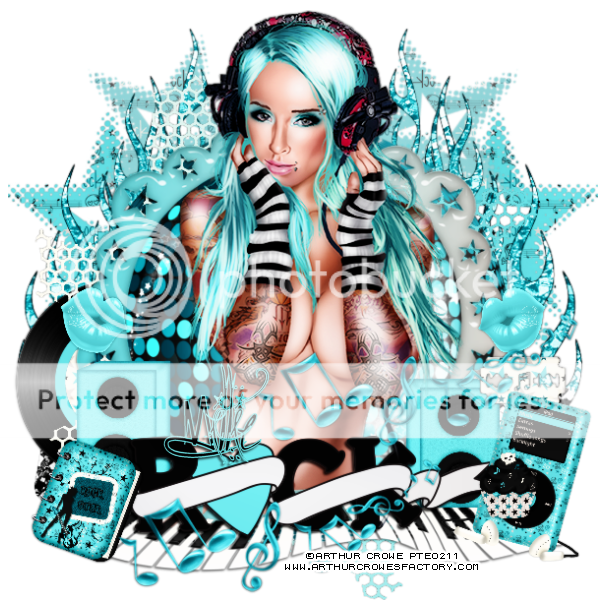
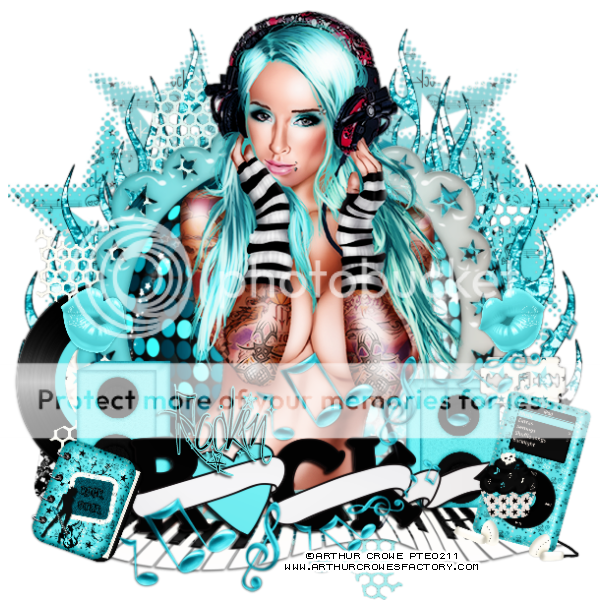
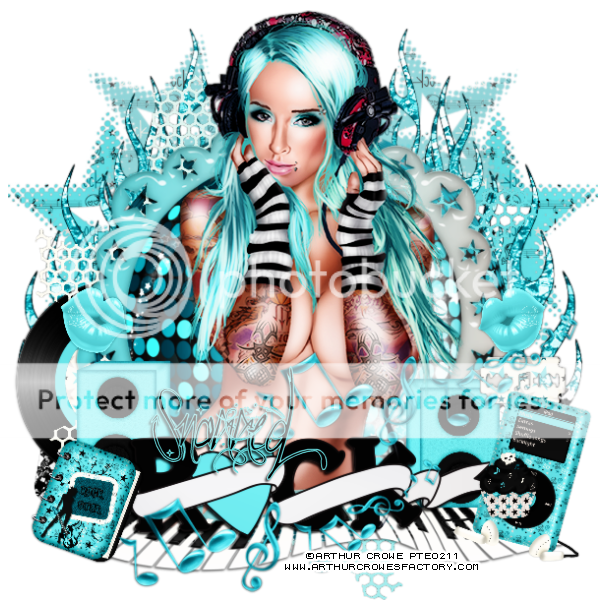
This tag was made with fabulous artwork of Arthur Crowe.
You can visit his store HERE.
He has some amazing new releases!
I also used PTU Rock On by Evol Angel Scrapz.
Fun kit to play with. You should try :D
You can find this kit in Scrap Candy.
I made some snags for ya.
Just click on image to save full size.
Thanks for stopping by :)



Monday, November 26, 2012

Tag was made with upcoming tube from Ismael Rac!
Her name is Winter Attitude and along with the matching kit she will make some wonderful tags!
Loads of layers as always!
Keep your eye on the Xeracx Store!
Here's the template I used :)

You can download HERE

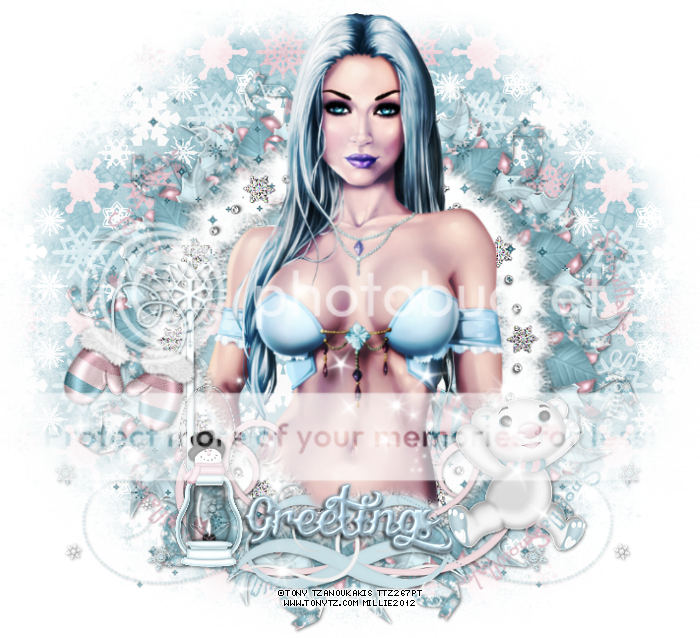
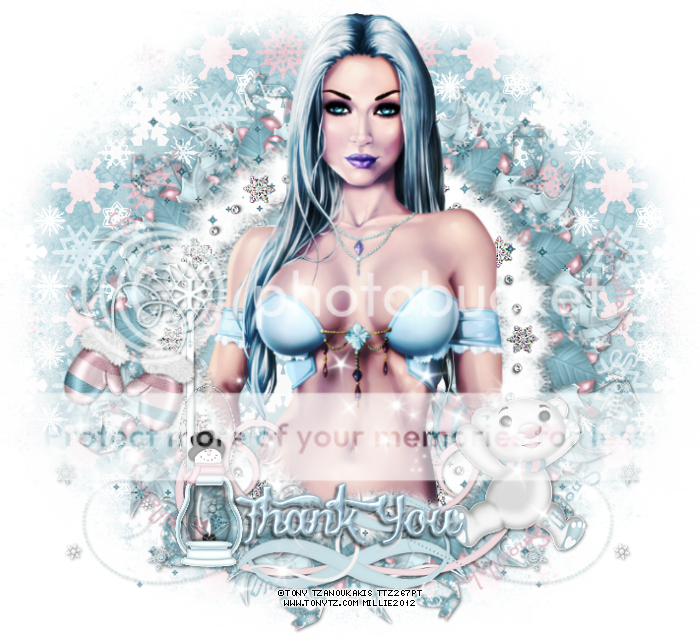
This tag was made with the beautiful work of Tony Tzanoukakis!
This tube is called SnowQueen and you can find it in his store HERE
I used PTU Snowflake Kisses by Evol Angel Scrapz.
You can find it in Scrap Candy.
Here are some snags I made.
Click on image to save full-size.
Thanks for stopping by :)


Saturday, November 24, 2012
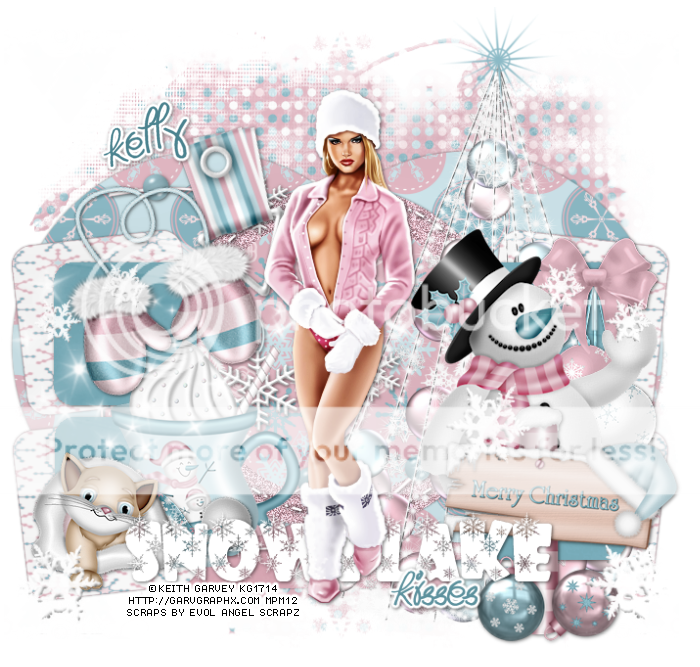
*click on image to view full-size*
PTU Snowflakes Feel Like Kisses
This tutorial was written on November 24, 2012 by Millie.
Any similarity to any other is purely coincidence.
I used pspx2, but any version should work just fine.
If you're trying this I'm assuming you have psp knowledge.
Let's begin :)
Artist: Keith Garvey
Scrapkit: Snowflake Kisses by EvolAngelScrapz
You can find it in Scrap Candy HERE
Template: #139 by me HERE
Mask: mask of choice
Font: I used Hot Pink
Plugins: xero - radiance
*drop shadow of 1 1 50 5 throughout unless noted*
Open your mask, tube, and template. Minimize tube and mask for use later.
Duplicate your template and close the original.
Make your background layer visible and delete the cr layer.
Start at layer 1, selections all - float - defloat
Open your paper 12, c/p as a new layer, invert, delete, deselect
Add drop shadow, rename layer 1a and delete layer 1
On layer 2, selections all - float - defloat
Open your paper 3, c/p as a new layer, invert, delete, deselect
Add drop shadow, rename layer 2a and delete layer 2
On layer 3, adjust, add noise settings: noise - uniform, noise 50, monochrome checked
Add drop shadow
On layer 5, selections all - float - defloat
Open your paper 2, c/p as a new layer, invert, delete, deselect
Add drop shadow, rename layer 5a and delete layer 5
Open snowflake doodle, c/p as new layer, add drop shadow
On layer 6, add drop shadow 2x
Open hanger, resize by 50%, sharpen, c/p as new layer
Move to the left some and rotate it slightly down with your deform tool
Add drop shadow
On layer 8, merge it down to 7, selections all - float - defloat, new layer
Open your paper 5, c/p into selection, deselect
Add drop shadow, rename layer 7a and delete layer 7
Open your tree, c/p as new layer, place to the left of tag
Merge layer 10 down to 9, selections all - float - defloat, new layer
Open your paper 11, c/p into selection, deselect
Add drop shadow, rename layer 9a and delete layer 9
Open hanging baubles, resize by 65%, sharpen, c/p as new layer
Place to the right of the tag, add drop shadow
Open Christmas Kitty, resize by 50%, sharpen, c/p as new layer
Place to the bottom and some to the left of the tag, add drop shadow
Open mittens, resize by 50%, sharpen, c/p as new layer
Place to the left of the tag, add drop shadow
Open snowman, resize by 65%, sharpen, c/p as new layer
Place to the bottom right of the tag, add drop shadow
Open sign, resize by 50%, sharpen, c/p as new layer
Place to the bottom right of the tag
Open sparkles2, c/p as new layer, move to left of tag, duplicate, mirror
Open mug of cocoa, resize by 60%, sharpen, place to left of your tag
Add drop shadow to layer 12
Add gradient glow - Fat, glow side 3, to layer 13, add drop shadow
Open your full tube, c/p as new layer
Duplicate your tube, change blend mode to overlay, opacity to 68
Close background and merge visible
Open paper7, c/p as new layer, move under merged layer
Layers - new mask - from image
Find mask in source window - hit ok - merge group
Delete bckground layer, add your credits and your name
Thanks for trying my tutorial :)
Tuesday, November 20, 2012

*click on image to save full-sized*
PTU Something You Can Open
This tutorial was written by Millie on November 20, 2012.
It was made out of my own imagination and any similarity to any other is purely coincidental.
I am assuming if youre trying this you have psp knowledge and can find your way.
I used pspx2 but any version should work ok.
Let's get started.
Artist: Arthur Crowe
Scrapkit: Snowflake by EvolAngelScrapz
*the kit comes with the tube*
Template: 437 by Divine Intentionz
Mask: Mask of choice
Plugins: xero - radiance
Font: I used Waterbrush Rob
*add drop shadow of 1 -1 70 6 black throughout where you see fit*
Open your template, duplicate it, close original
Make your background layer visible and delete your cr layer
Change your canvas size to 850 by 850, you can crop later
Flood fill your background with white
Merge down square 3 to square 4
Select all - float - defloat, c/p paper9 as new layer, invert - delete, deselect
Merge down square 2 to square 1
Select all - float - defloat, c/p paper3 as new layer, invert - delete, deselect
On rectangle 1, Select all - float - defloat, c/p paper4 as new layer, invert - delete, deselect
Open your tube close up, c/p as new layer, move above the small circle layer
Place it so the face is inside of the circle
With your magic wand click inside your small circle
Open your paper13, c/p as new layer, invert - delete - invert
On tube layer, invert - delete
On tube apply xero - radiance, change blend mode to screen
Open your tree, c/p as new layer, then place it to the right of the tag
Open your wrap, c/p as new layer, move to the left of tag and place right
Place right above the thin rectangle 1
Duplicate it and then flip, place so it covers thin rectangle 2
OPen your snowflake doodle, move to the left of the tag
Duplicate it and change blend mode to screen
Open sparkles 2, c/p as new layer, place to the left, duplicate, mirror
Open spray, c/p as new layer, move down so its right above background layer
Move to the left and up some
Open string, c/p as new layer, move up some
Open SnowScapeSwirl, c/p as new layer, move down some
Go to your large circle layer, c/p your tube close up as a new layer
Change blend mode to screen and place tube's face inside the circle
With your magic wand click inside of the large circle, on tube - invert - delete - deselect
Apply xero - radiance to your tube
Open your full tube, resize by 80%, c/p as new layer, place in the middle to your liking
Duplicate, apply radiance, change blend mode to overlay and opacity to 69, merge down
Merge your wordart down to your wordback, move down so bottom of them touch tube's legs
Go to raster 2 layer, paste your tube, move down so face is inside black square
Apply xero radiance, change blend mode to luminance (L), click inside raster2 black square
On tube layer - invert - delete - deselect
close background layer and merge visible
Adjust - clarify - 2
Open your paper 1, c/p as new layer, move under merged layer
Apply your mask, merge group, merge visible
Delete background layer, add your credits and your name.
We're done!
Thanks for trying my tutorial.
Tuesday, October 23, 2012

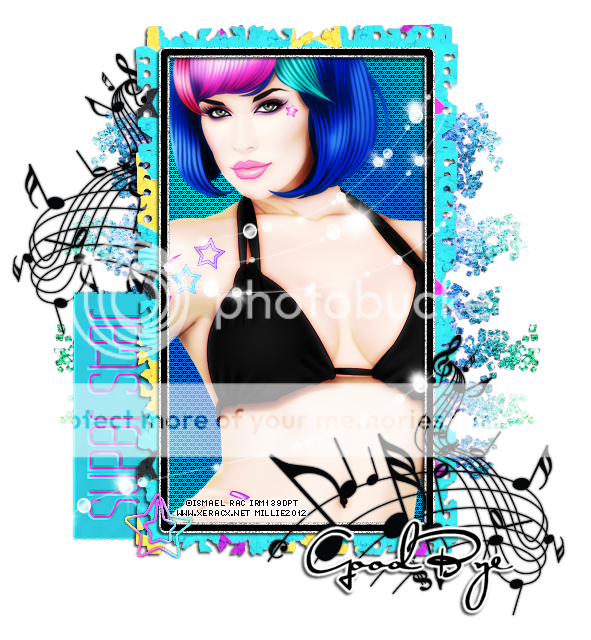
This tag was made with amazing work of Ismael Rac.
The tube is Superstar and she has a matching kit with same name.
They are now available in the Xeracx Store.
I made some snags for you all.
Please click on image to save full-sized.
Thanks!


Wednesday, September 12, 2012

This tag was created with the amazing work of Ismael Rac.
This tube wow she's so fun to work with!
She's called Frankensexy and you can find her under new releases in the Xeracx Store.
But wait while you there you might as well take a look at the awesome kit to match!
The kit was made by Evol Angel Scrapz and you can also find it in the store.
She's the kind of tube that will get your halloween mojo going so what are you waiting for?
Go get her!!!!
I also used template 52 made myself.
You can download it below.

Download HERE.
Sunday, September 9, 2012

This tag was made with the amazing artwork of Arthur Crowe.
This tube is called "Police Girl" and you can find her in his store HERE.
I used PTU Scrapkit "Police Girl" by Evol Angel Scrapz.
This kit will be coming soon to the Arthur Crowe Store so be on the look out.
I also used template 49 made by me which you can download below.
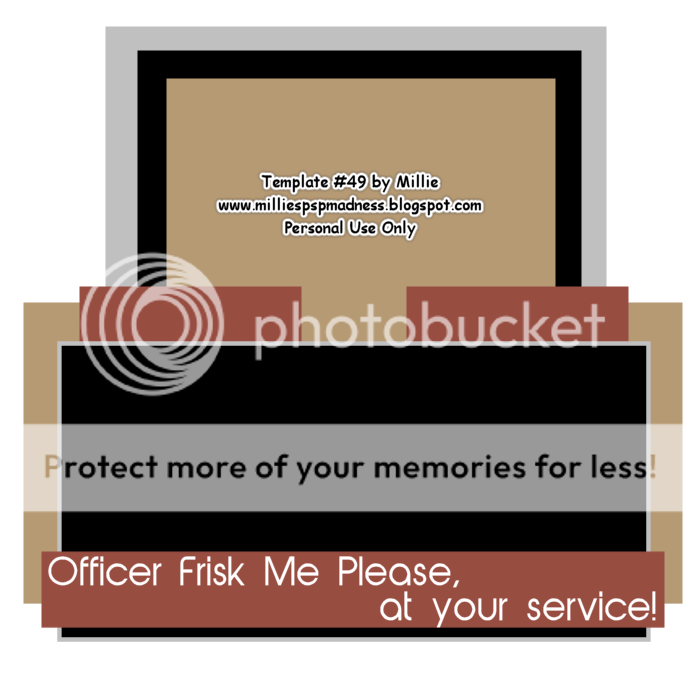
Download HERE.
Monday, September 3, 2012

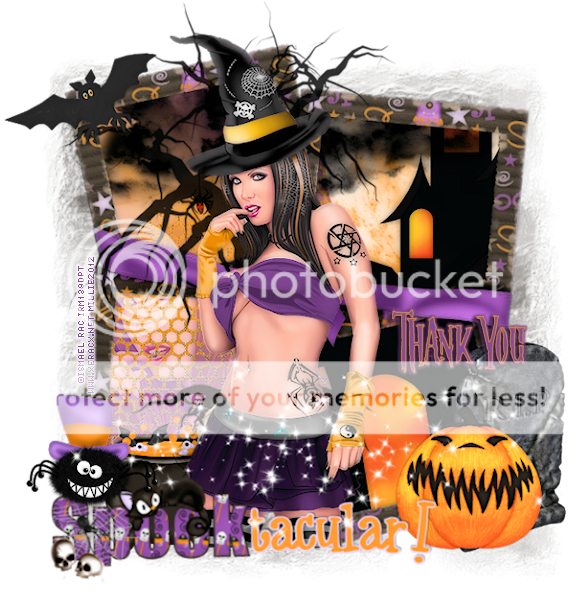
This tag was made with the awesome work of Ismael Rac!
You can find this tube in halloween section of his store HERE.
I used PTU scrapkit Spook-tacular by Evol Angel Scrapz.
You can buy this kit at Twilight Scraps.
Made some snags/extras for you all.
Just click on the image to save full-sized!
Thanks!



Subscribe to:
Posts
(Atom)