


Showing posts with label Sweet Tooth Scraps. Show all posts
Showing posts with label Sweet Tooth Scraps. Show all posts
Monday, September 1, 2014

This tag was made with awesome PUMPKIN BABE (toon) by ARTHUR CROWE
I used matching kit by Sweet Tooth Studio
You can grab them both SOON in Arthur Crowe's Factory!
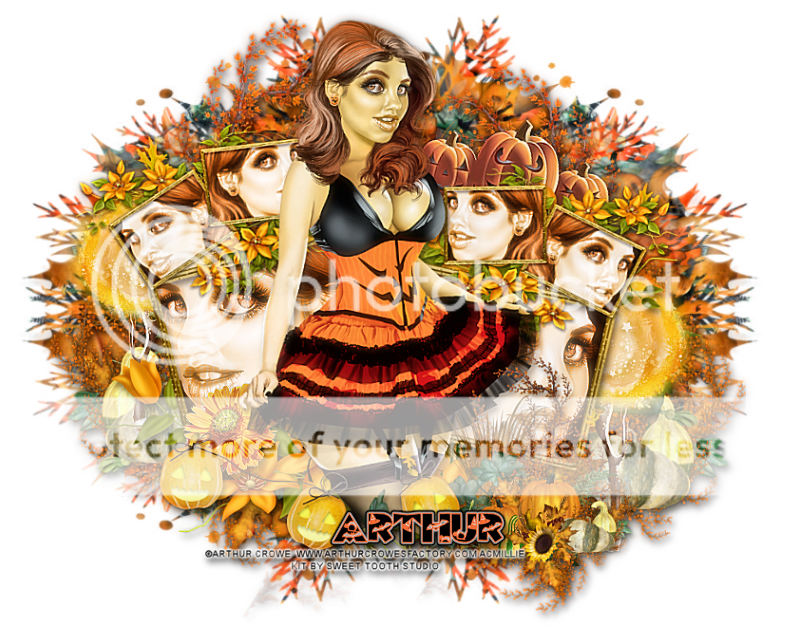
Template 675

You can grab it HERE
Tuesday, August 19, 2014
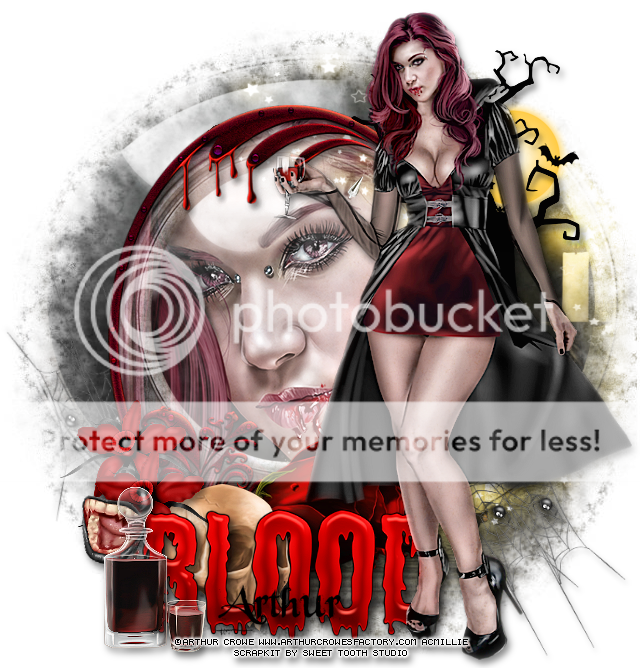
This tag was made with COMING SOON Sweet Blood by Arthur Crowe
I used matching kit by Sweet Tooth Studio
Find them both soon at ARTHUR CROWES FACTORY


Thursday, August 14, 2014
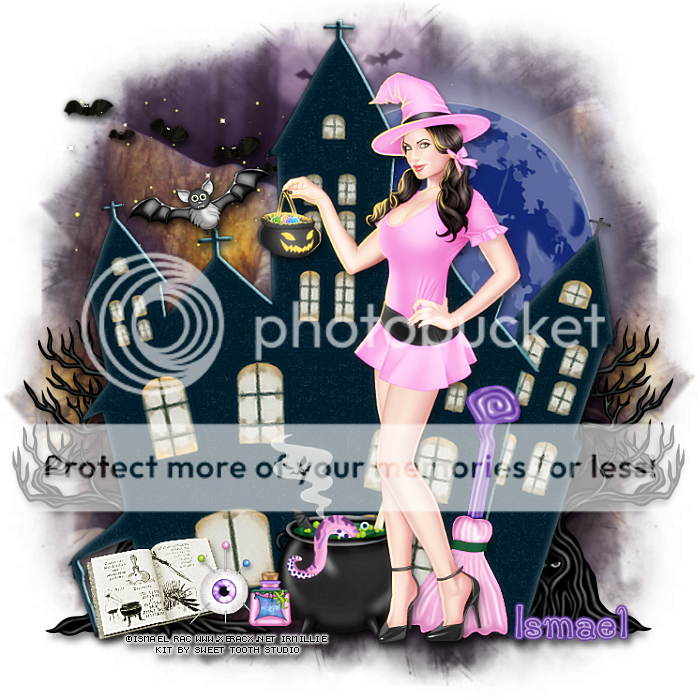
This tag was made with 2014 Shanda Witch HD Special Layer by Ismael Rac
She is available for a limited time for free w purchase.
Details below.
I used PTU Black Magic Woman by Sweet Tooth Studio
You can grab it HERE

I made some snags.
Please don't alter them in any way or claim them as your own.
Please link people here for download.

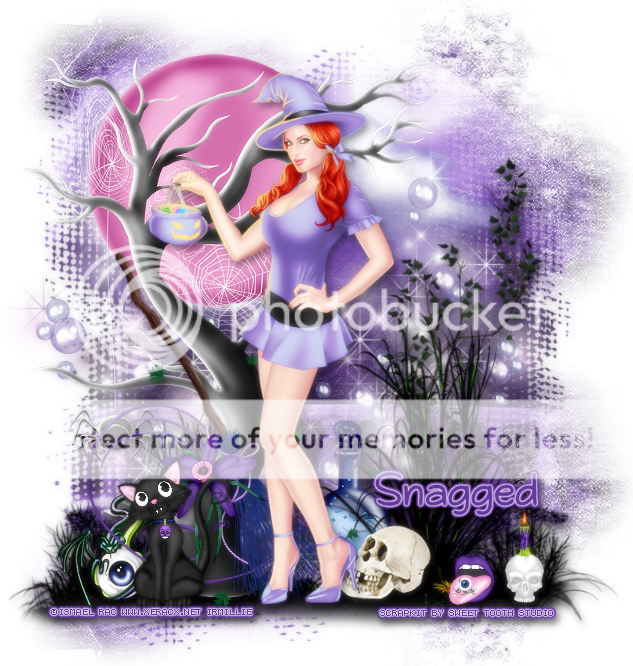


** SPECIAL BUY 8-14-14 TO 8-15-14 **
Spend any $$ in the store and get the 2011-2014 Shanda Witch HD SL Tube. This is a Full Revamp of the Original 2011 Shanda Witch Tube Now in HD Special Layers (8) Plus Customizable Item Layers. Just pop it in your cart at check out. No GC's accepted as a form of payment.

Monday, January 13, 2014

Monday, December 16, 2013
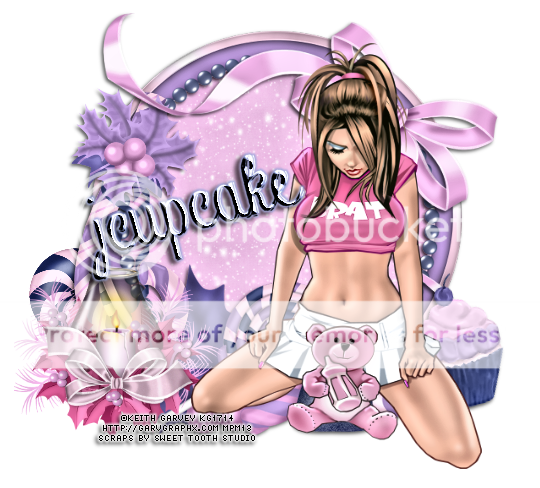
This tag was made w artwork by Keith Garvey
I used PTU Sugar Plumb Dreams by Sweet Tooth Studio
Find it HERE


Got some snags made
*click on image to save them full-sized*



Monday, November 18, 2013



Saturday, October 5, 2013

*click on image to view full size*
PTU Cute and Sweet Witch
This tutorial was written by me on October 5, 2013.
It was made out of my own creation and any similarity is purely coincidental.
I used pspx5 but any version should work without problems.
If you're doing this tutorial you must have good psp knowledge and be familiar with the tools.
Let's get started!
Artist: Revus Dea Exclusive
Scrapkit: Cute N Sweet by Sweet Tooth Studio
Mask: any of choice
Font: Rage Italic
*open your mask and minimize in your workspace*
File - New - 700x700 - flood fill w white
Click on background with magic wand - new layer
Open paper2 - c/p into selection
Layers - New mask layer - From Image
Find your mask in source window - hit ok
Merge group
Open 25 - resize by 50% 2x - sharpen
c/p and place to the left
duplicate and mirror
Open 26 - resize by 50% 2x - sharpen
c/p and place to the bottom left
Open 49 - resize by 50% 2x - sharpen
c/p and place to the top right
Open 12 - resize by 65% - c/p
Open sparkles - c/p
Open 13 - resize by 50% 2x - sharpen
c/p and place to bottom left
Open 50 - resize by 50% - sharpen
c/p and place to bottom right
Open 17 - resize by 50% 3x - sharpen
c/p and place to top left
Open tube - resize to fit your tag - c/p
duplicate your tube - adjust - blur - gaussian blur 3
Change blend mode to screen - opacity to 61
Merge down and apply a drop shadow of choice
Delete background - merge visible
Adjust - Brightness and Contrast
Local Tone Mapping - strength 4.0 - Block Size 35 - hit ok
Add credits and name

Friday, September 27, 2013

*click on image to view full size*
PTU I Put a Spell On You
This tutorial was written by me on September 27, 2013.
It was made out of my own creation and any similarity is purely coincidental.
I used pspx5 but any version should work without problems.
If you're doing this tutorial you must have good psp knowledge and be familiar with the tools.
Let's get started!
Artist: October Calendar tube by Arthur Crowe
Scrapkit: Black Magic Woman by Sweet Tooth Scraps
Mask: 42 by Moonbeams and Spiderwebs
Font: Yataghan
*open your mask and minimize in your workspace*
*c/p will be copy and paste as new layer unless noted*
File - New - 700x700 - flood fill w white
Click on background with magic wand - new layer
Open paper2 - c/p into selection
Layers - New mask layer - From Image
Find your mask in source window - hit ok
Merge group
Open 50 - resize by 50% - c/p - place to left
duplicate - place to right
Open 52 - c/p - place to top right
Open 15 - c/p - place to left
Open 53 - resize by 50% - c/p - place to right
Open 32 - resize by 80% - c/p - place to left
Open 45 - c/p - place to right
Open 31 - resize by 50% - c/p - place to bottom
Open 63 - resize by 50% 2x - c/p - place to bottom left
Open 55 - resize by 85% - place to bottom
Open 60 - resize by 50% 2x - sharpen - c/p - place to bottom
Open tube - resize to fit tag - c/p - place to right
Open 30 - resize by 50% 3x - sharpen - c/p
Place to bottom left
Delete background - merge visible - add credits and name
Thursday, September 19, 2013

Saturday, September 14, 2013
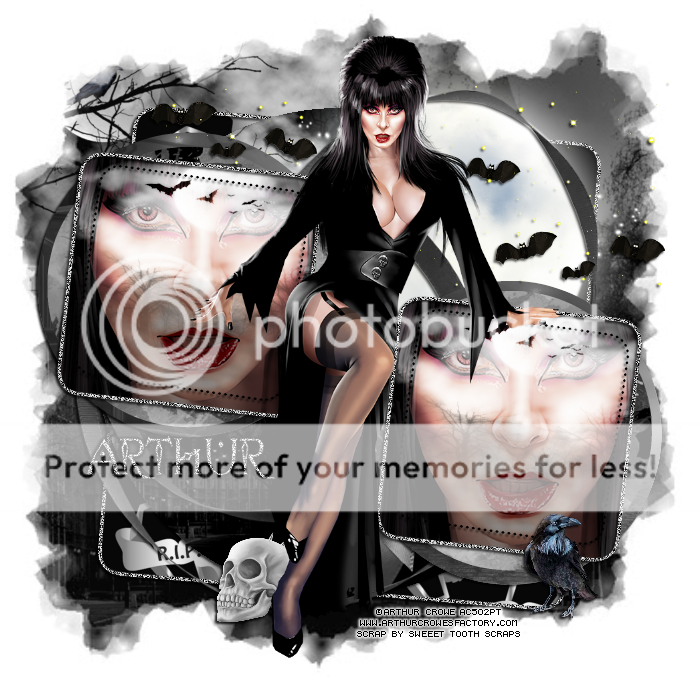
This tag was made with just released Dark Goddess Tube by Arthur Crowe
and matching scrapkit by Sweeet Tooth Studio
You can find them both in ArthurCrowe'sFactory

Template 334
You can download it HERE
Thursday, May 2, 2013

*click on image to view full size*
PTU Candy Spring
This tutorial was written by me on May 2, 2013.
It was made out of my own creation and any similarity is purely coincidental.
I used pspx2 but any version should work without problems.
Let's get started!
Artist: Ismael Rac
Scrapkit: Peppermint Springtime by Sweeet Tooth Scraps
Mask: any of choice
Plugins: xero - porcelain
Font: Lindsay Hi Tech
*open your mask and minimize it in your workspace*
File - New - 700x700 - fill with white - rename background
Open ele13 - resize by 80% - sharpen - c/p as new layer
Open your tube - resize by 50% - c/p as new layer
Xero - porcelain - blue channel to 0 - hit ok
Duplicate your tube and move under your frame
With your eraser tool go on tube thats on the top and erase the parts that are
on the flower
It will look like the tube is coming out of the flower
Add drop shadow to your flower frame - close background - merge visible
Make background layer visible again
Open ele32 - resize by 50% 2x - sharpen - c/p as new new layer
Place to the bottom left
Open ele8 - resize by 50% - sharpen - c/p as new layer
Place to the bottom
On background layer
Click inside it w magic wand - new layer
Open paper7 - c/p into selection - deselect
Apply your mask - hit ok - merge group
Open ele38 - c/p as new layer
Open ele17 - resize by 50% - c/p as new layer - place to right
duplicate - mirror
Open ele33 - resize by 50% 2x - sharpen - c/p as new layer
place to the top left
Open ele47 - resize by 50% - sharpen - c/p as new layer
Place to the bottom right - duplicate - mirror - merge down
Duplicate - change blend to screen
Open ele52 - resize by 50% then by 65% - sharpen - c/p as new layer
Place to the left - duplicate - mirror
Open ele22 - resize by 50% 2x - sharpen - c/p as new layer
Place to bottom left - duplicate - mirror
Delete background layer - merge visible - add credits and name
Monday, April 1, 2013

*click on image to view full size*
FTU Soothing
This tutorial was written by me on April 1, 2013.
It was made out of my own creation and any similarity is purely coincidental.
I used pspx2 but any version should work without problems.
Let's get started!
Artist: Roman Zaric
Scrapkit: Lost Fairy by Sweet Tooth Scraps
Mask: WSL Mask 364
Font: AL Serenade
*open your mask and minimize it in your workspace*
File - New - 700x700 - fill with white - rename background
Open ele25 - resize by 80% - c/p as new layer
Open tube closeup - resize to fit tag - c/p as new layer - move under frame
Click inside frame w magic wand - expand by 5
On tube layer - invert - delete - invert - new layer
Open paper14 - c/p into selection - deselect
Move paper under tube
On tube change blend mode to overlay
Add drop shadow of choice to frame
Close background layer - merge visible - open background layer
On merged layer
Open ele33 - c/p as new layer - place to the right
Open ele18 - resize by 80% - c/p as new layer - place to the right of frame
Open ele41 - c/p as new layer - place to the right - merge down to 18
Duplicate - mirror
Open ele3 - c/p as new layer - place to the right
On background layer
Open paper14 - c/p as new layer - apply your mask - merge group
Open ele31 - c/p as new layer - place to the top right
duplicate - mirror - flip - merge down
Open ele79 - c/p as new layer - place to bottom left - duplicate - mirror
merge down - duplicate - flip - add drop shadow
Delete background layer - merge visible - add credits and name
Saturday, January 19, 2013
*click on image to view full size*
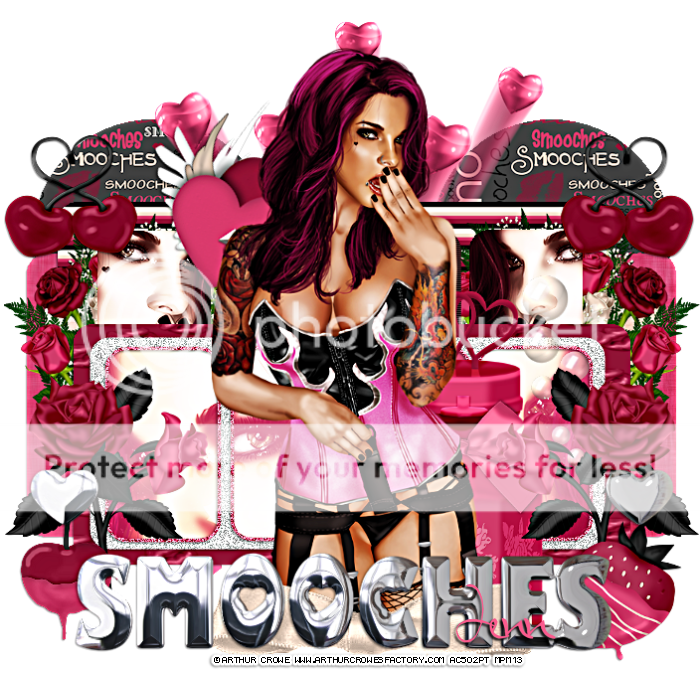
PTU Smooches
This tutorial was written by me on January 19, 2013.
It was made out of my own creation and any similarity is purely coincidental.
I used pspx2 but any version should work without problems.
Let's get started!
Artist: Arthur Crowe
Scrapkit: Smooches by Sweet Tooth Scraps
You can find this kit in Scrap Candy.
Template: 180 by me HERE
Plugins: xero radiance and clarity
Font: Aliko Script
*drop shadow of 1 -1 50 3 all throughout unless noted*
Open template, duplicate, close original
Make background visible and delete cr layer
Let's work from the bottom up
On layer 1, selections all, float, defloat
open paper3, c/p as new layer, invert, delete, deselect, add shadow
Open ele74, c/p as new layer
On layer 2, selections all, float, defloat
open paper1, c/p as new layer, invert, delete, deselect, add shadow
On layer 3, selections all, float, defloat
open paper10, free rotate to the left by 90 degrees, c/p into selection
add drop shadow
On layer 4, selections all, float, defloat
open paper2, c/p as new layer, invert, delete, deselect, add shadow
Open ele47, resize by 50%, sharpen, c/p as new layer, move to left, dup and mirror
On layer5, open tube close up, c/p as new layer, place to left
Place so face is inside rectangle closest to left, duplicate, mirror, merge down
Click inside left and right rectangles on layer 5, on tube invert, delete, deselect
Xero - radiance - default, change blend to luminance (L)
Duplicate, change blend to screen
Back on layer 5, effects, blinds, width2, color white, opacity 20
Open ele5, resize by 50%, sharpen, c/p as new layer, rotate left some
On layer 6, selections all, float, defloat, new layer
open paper12, c/p into selection, deselect, add shadow
On layer 7, add noise, Uniform, noise 100, hit ok, add drop shadow
Open ele6, resize by 50% 2x, sharpen, c/p as new layer
Place to the left, add drop shadow, duplicate, mirror
On layer 8, open tube close up, c/p as new layer, place to the right
With your magic wand click inside the 2 rectangles to the right of the tag
On tube closeup, invert, delete, deselect
Paste your tube close up again, mirror, place to the left
With your magic wand click inside the 2 rectangles to the left of the tag
On tube closeup, invert, delete, deselect, merge down
Xero - radiance - default setting, change blend to screen and duplicate
Back on layer 8, click inside all rectangles with magic wand
Open paper16, c/p as new layer, invert, delete, deselect
On layer 9 add noise w same settings as above
Open ele11, resize by 50%, sharpen, c/p as new layer place to right
Duplicate, mirror
Open ele52, c/p as new layer, place to the right some
Open ele2, c/p as new layer, resize by 50%, sharpen, move to bottom right
Open ele5, c/p as new layer, resize by 50%, sharpen, move to bottom left
Open full tube, c/p as new layer, resize to your liking
Duplicate, change blend to soft light
Open ele63, c/p as new layer, with your eraser, erase the bottom of the bow
Move to the bottom so it covers the tube's legs, add drop shadow
On layer 10 and 11, eyecandy - impact - chrome, settings indoor platinum
Add drop shadow
Delete background, merge visible, xero - clarity default
Crop your tag, add your credits and your name
Thanks for trying my tutorial :)
Subscribe to:
Posts
(Atom)